

Executive Summary: Modern Field Service Automation
Implementing field service management (fsm) is the definitive operational strategy for modern service providers, HVAC contractors, plumbing companies, electrical teams, and facility maintenance contractors. By uniting technician dispatching, mobile work orders, photo documentation, and instant digital invoicing into a unified cloud system, companies eradicate communication gaps, stop invoice delays, and achieve predictable recurring revenue.
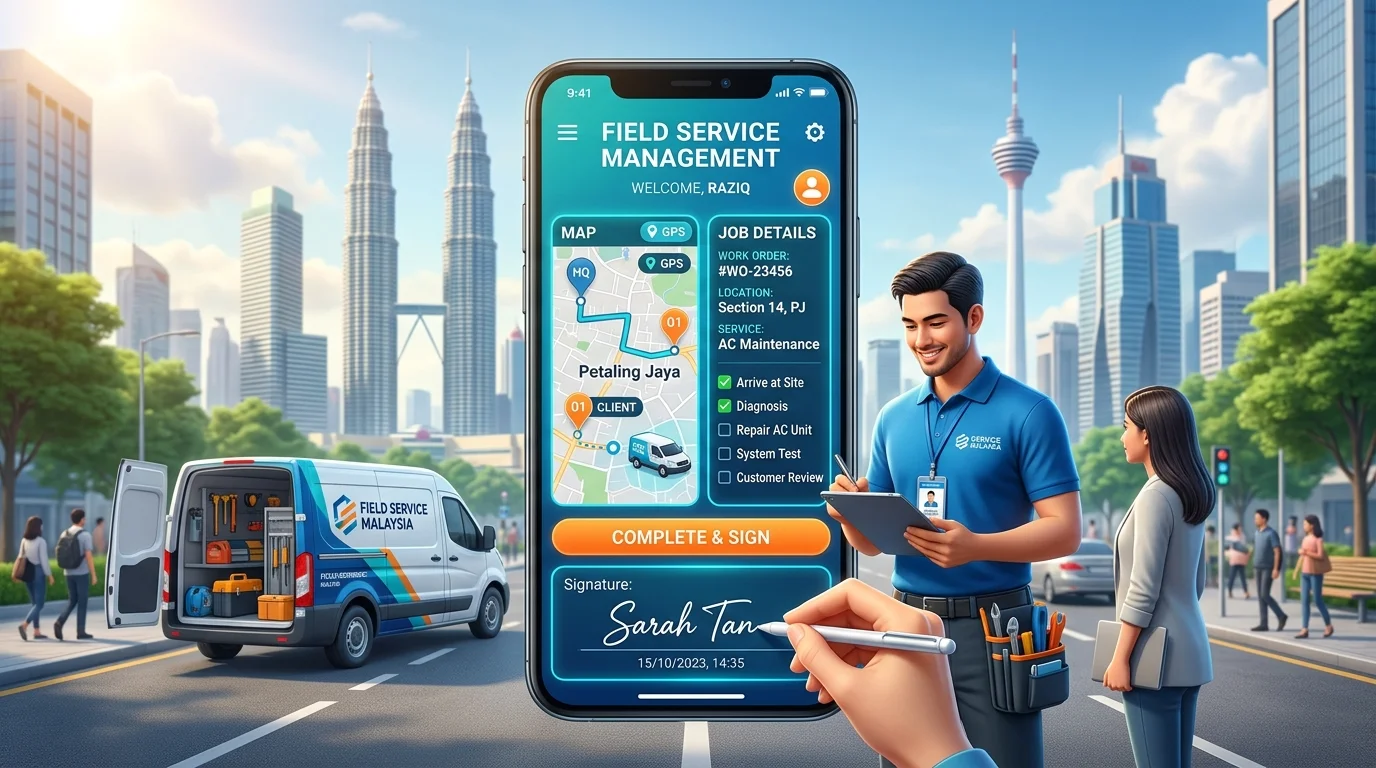
1. What is Field Service Management (FSM)?
At its core, field service management (fsm) refers to the strategic coordination of a company’s off-site workforce, equipment, inventory, and job appointments. Whether your business services air conditioning units, industrial machinery, security systems, or commercial plumbing, field service management oversees every touchpoint from the moment a customer requests service until the final invoice is paid and filed.
Traditional service companies frequently struggle with fragmented communication across phone calls, paper work orders, and unorganized WhatsApp chats. In contrast, modern field service management (fsm) software creates an automated bridge connecting dispatchers in the central office, technicians working on-site, and customers awaiting transparent updates.
2. Core Components of Field Service Management (FSM)
An enterprise-grade field service management (fsm) platform consists of four interconnected operational modules:
- Intelligent Dispatch & Scheduling Board: Real-time visual calendar that maps appointments by geographic zone, technician skill level, and job urgency to eliminate unproductive transit time.
- Mobile Field Technician App: Native smartphone application allowing technicians to view assigned work orders, follow standard SOP inspection checklists, take before/after photos, and capture customer e-signatures directly on glass.
- Real-Time Customer Communication Portal: Automated SMS and WhatsApp notifications that alert customers when a technician is en route, provide digital PDF service sheets, and request instant satisfaction ratings.
- Instant Digital Invoicing & Payment Processing: 1-click on-site invoice generation with integrated QR code payments (such as DuitNow QR) and automated accounting sync that prevents unbilled job leakage.
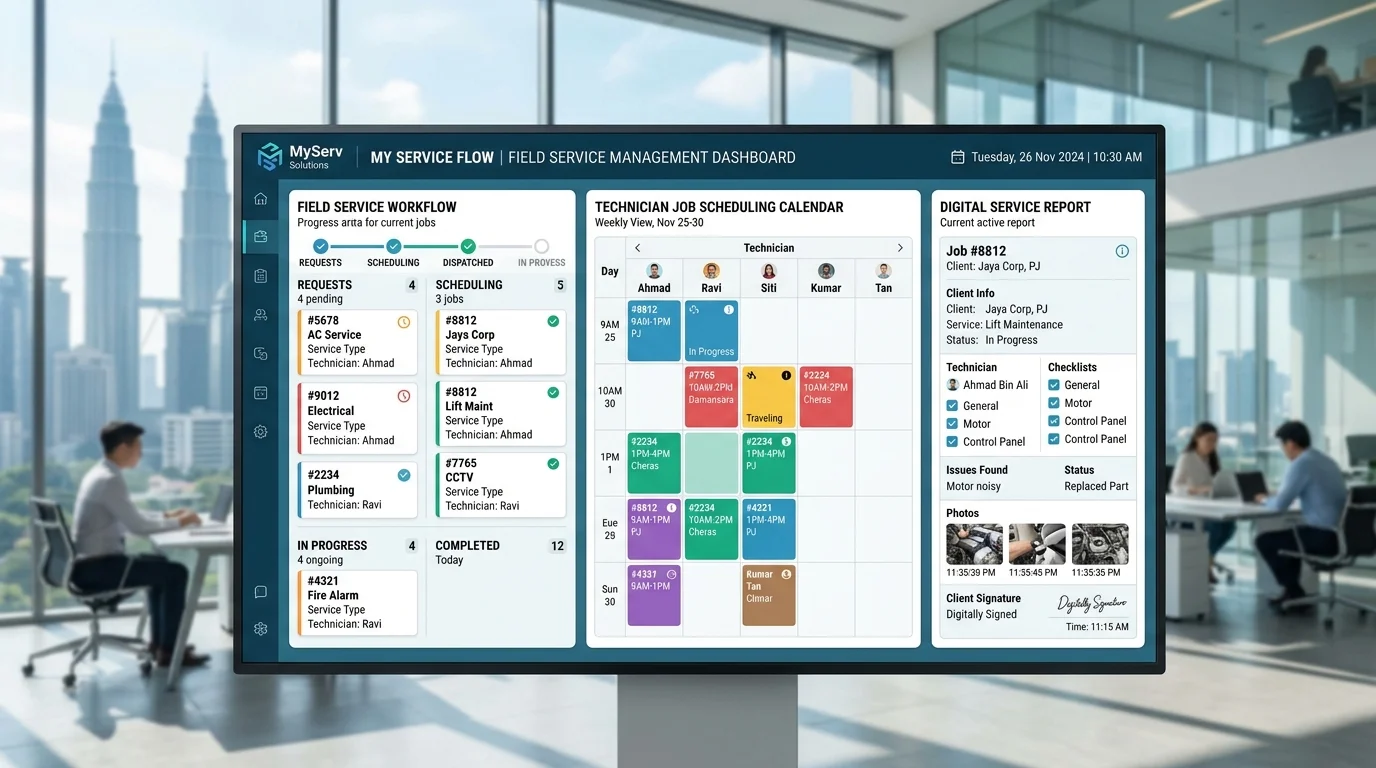
3. When Are Manual Methods (WhatsApp & Paper) No Longer Enough?
When starting a service contracting business with 1 or 2 technicians, manual coordination through WhatsApp groups and paper carbon-copy receipt books feels cost-effective. However, as job volume increases beyond 5 to 10 jobs per day, manual workflows rapidly disintegrate into operational chaos:
- Technicians arrive late or visit overlapping customer areas due to lack of route planning.
- Paper job sheets get stained, lost, or brought back to the office days later, delaying customer billing cycles.
- Management lacks visibility into technician job statuses, part replacements, and labor hours.
- Past maintenance records get misplaced, leaving technicians blind during recurring warranty inspections.
To explore the full operational trade-offs, read our comprehensive analysis on WhatsApp and Excel vs FSM Software for Service Companies.
4. Operational Challenges Solved by Field Service Management (FSM)
By deploying specialized field service management (fsm) software, service contractors resolve the critical bottlenecks that suppress profit margins:
- Double-Booking & Scheduling Collisions: The automated dispatch board locks time slots and alerts admins if an appointment conflicts with existing technician allocations.
- Uncollected Revenue & Unbilled Spare Parts: Technicians record parts used directly within the mobile checklist, ensuring every filter, capacitor, or valve is automatically calculated on the customer invoice.
- Slow Payment Collections: Instead of waiting 14 to 30 days for office staff to type invoices, technicians issue verified digital invoices immediately upon job sign-off. Learn actionable tactics in our guide on how to manage technician schedules and job orders efficiently.
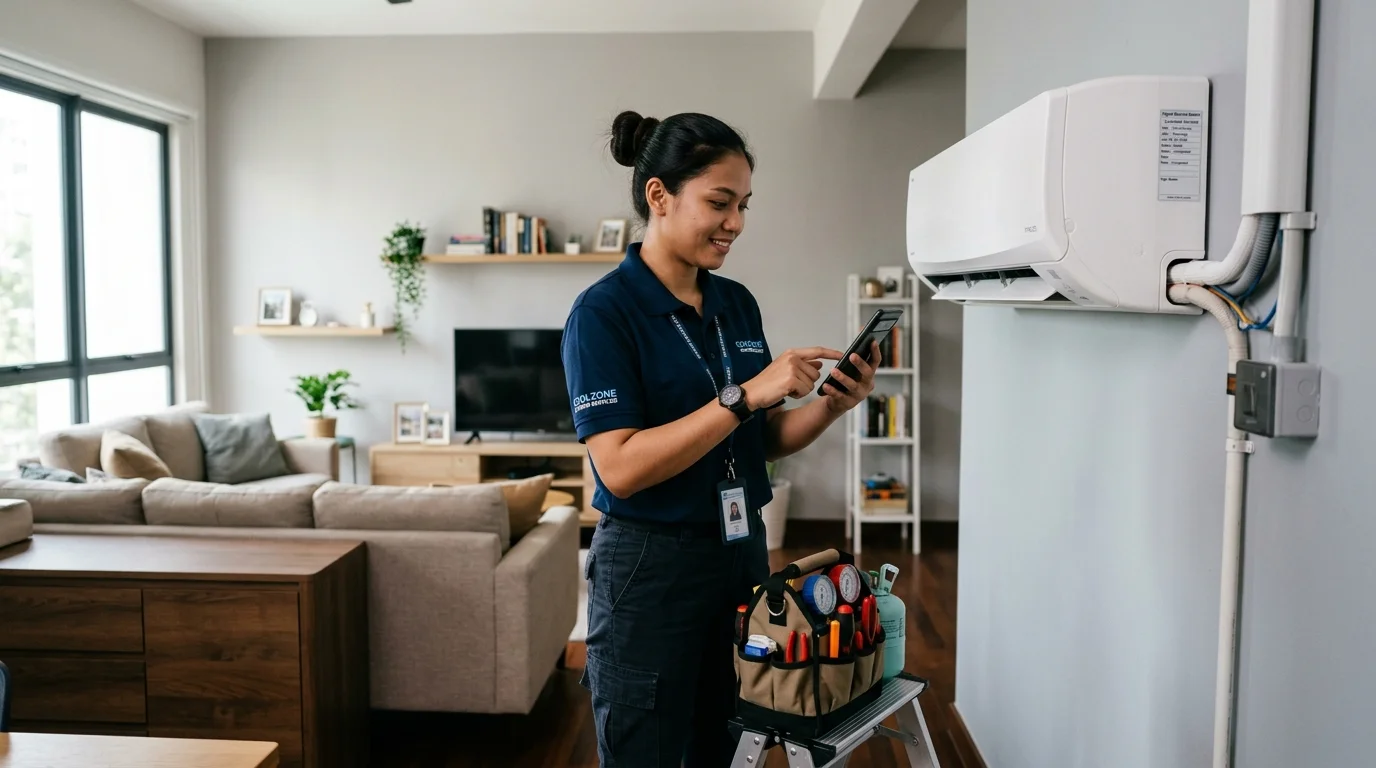
5. Comprehensive Comparison: Manual Workflows vs Modern FSM Systems
| Operational Function | Manual Workflow (WhatsApp / Excel / Paper) | Cloud FSM Platform (YAADIL ServisFlow) |
|---|---|---|
| Job Dispatching | Scattered text messages, prone to missed assignments | Visual drag-and-drop board mapped by technician zone |
| Field Service Reports | Handwritten carbon copies lost or damaged | Professional PDF reports with photos and e-signatures |
| Invoice & Payment Cycle | 7 to 14 days delay waiting for manual data entry | Instant 1-click invoice generated and sent on-site |
| Customer Retention | Zero automated follow-ups; reactive maintenance only | Automated WhatsApp service reminders every 3–6 months |
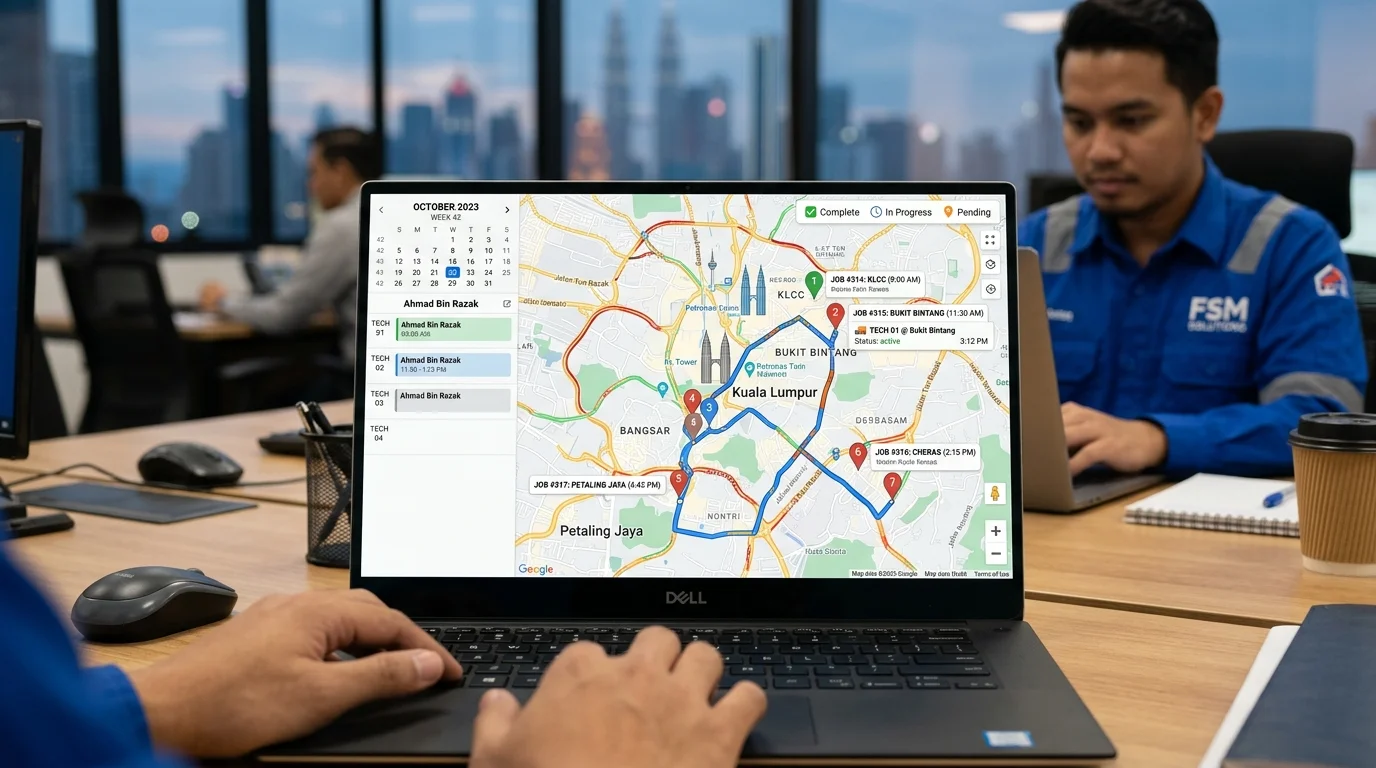
6. Real-World Case Study: Field Service Business Operations
Consider an HVAC and facility maintenance contractor operating 8 field technicians across the Klang Valley. Before implementing a dedicated field service management (fsm) platform, the company suffered an estimated loss of over RM15,000 monthly due to uncollected spare part charges, missed appointment windows, and delayed invoice payments.
Following the adoption of YAADIL ServisFlow FSM system, the company achieved measurable operational breakthroughs within 30 days:
- Technician daily travel time reduced by 28% through intelligent route grouping.
- Average job completion reporting time dropped from 48 hours to 2 minutes.
- On-site payment collection rate soared to 94%, dramatically improving operational cash flow.
For further commercial strategies, explore our practical guide on 7 proven strategies to increase service business sales.
7. Hidden Costs and True Financial Losses of Manual Methods
Relying on legacy manual processes creates severe financial leaks that remain hidden until audit time. Wasted fuel expenses accumulate when technicians crisscross town inefficiently. More critically, when customer service histories are unorganized, competitors easily capture your clients by offering proactive seasonal service reminders.
8. 7 Warning Signs Your Company Needs Field Service Management (FSM)
- Your office administrators spend more than 2 hours every morning coordinating technician schedules.
- Customers complain about technicians arriving late without prior arrival notifications.
- Job photos, before/after proof, and inspection checklists are scattered across private staff chat logs.
- Invoicing takes more than 3 business days following job completion.
- Management cannot track real-time technician job progress without repeatedly calling them.
- Technicians frequently forget to bill customers for replacement spare parts and auxiliary consumables.
- Your business repeat service booking rate remains stagnantly below 35%.
9. Step-by-Step Data Migration to Cloud FSM Software
Transitioning your service company from spreadsheets to a modern cloud field service management (fsm) solution is straightforward:
- Step 1: Import Customer & Asset Master Data: Upload your existing Excel/CSV client list into the centralized cloud database.
- Step 2: Configure Service Catalog & Standard Rates: Set standardized labor pricing, spare part SKU lists, and digital inspection SOP checklists.
- Step 3: Onboard Field Technicians: Distribute the intuitive mobile app; technicians of all technical backgrounds become proficient within a single 15-minute briefing.
- Step 4: Launch Automated Customer Touchpoints: Activate WhatsApp arrival alerts, digital PDF work reports, and automated maintenance reminders.
10. Field Service Automation SOP Checklist
Review our service management packages and pricing and verify this operational readiness checklist:
- [✓] Centralized customer database with GPS coordinate tagging.
- [✓] Standardized digital service inspection checklists per service category.
- [✓] Mandatory before/after job photo capture and customer signature verification.
- [✓] Instant digital invoice generation linked with QR DuitNow instant payment options.
- [✓] Scheduled automated WhatsApp maintenance reminder workflows.
11. Frequently Asked Questions (FAQ) about Field Service Management (FSM)
What is the primary advantage of field service management (fsm) software for service SMEs?
📌 Related Guide Articles:
Ready to Automate Your Field Service Operations?
Empower your dispatchers, equip your technicians with modern mobile tools, and delight your customers with YAADIL ServisFlow.
Need immediate assistance? WhatsApp our solution team at +6012-2966492 or visit app.yaadil.com.